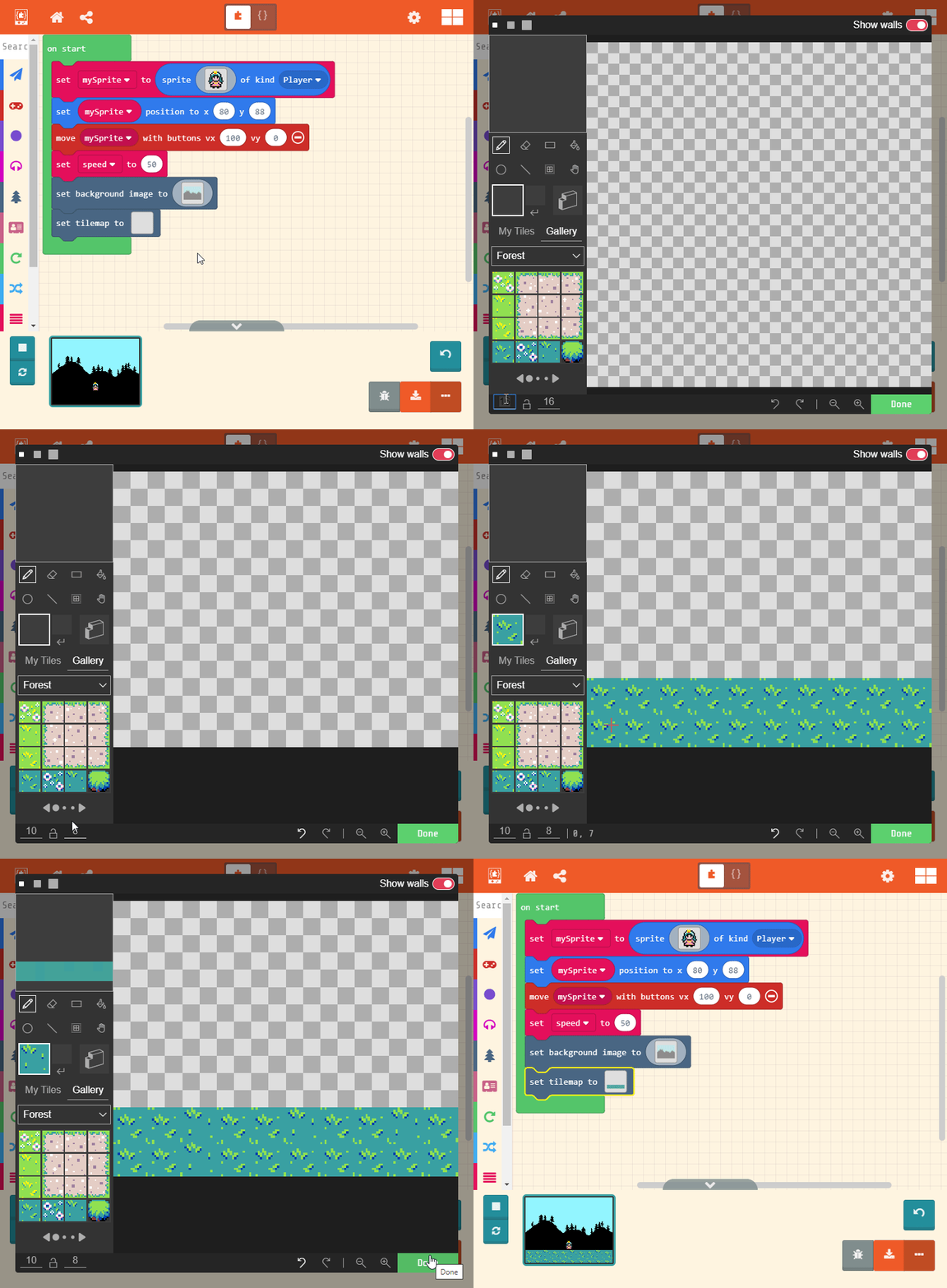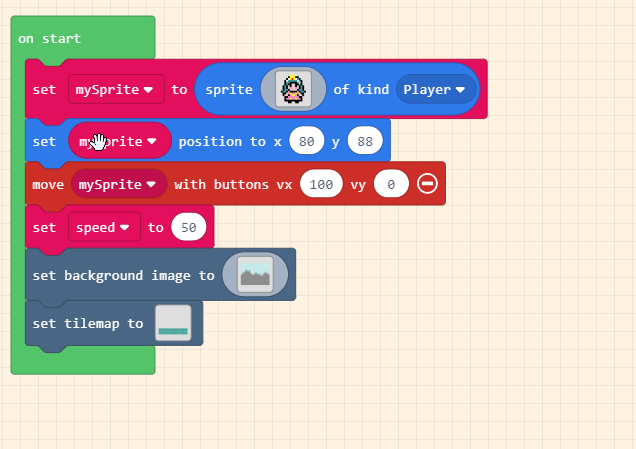
Step 2
Create the scene
On this next step we are going to add a background image and tilemap block
The background image can not be interacted with your character.
The tile map is used to create the world the character can interact with;we use it to create a floor.
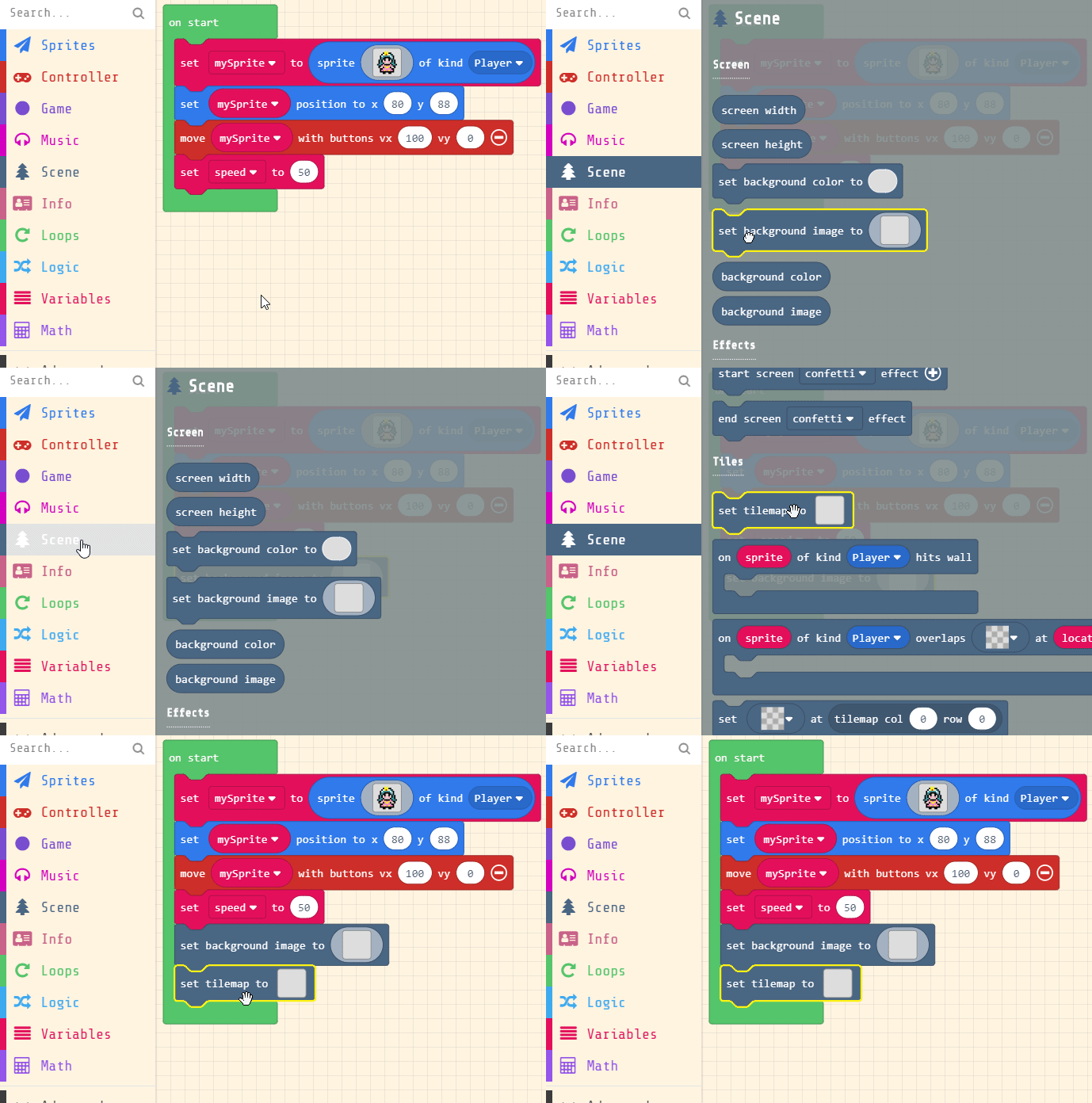
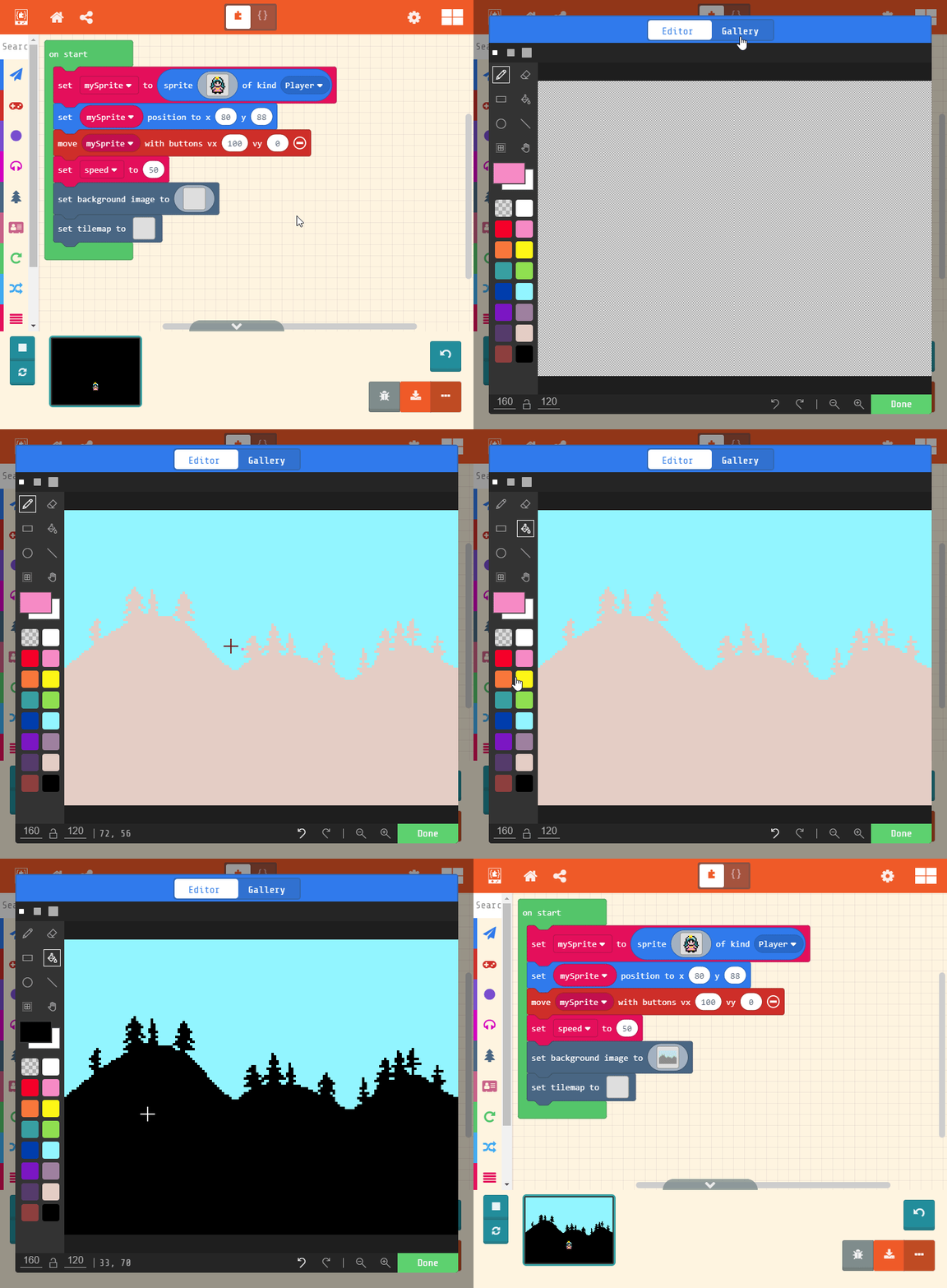
Set the background image
Click on the background image and select the mountain forest scene from the gallery.
Select the paint bucket tool and color the mountains black to create a spooky forest scene.
You can be creative and edit the background any way you want.
Set the floor pattern
Lastly we are going to set our tilemap to create the floor.
Make sure to set your tile map height and with to 10 X 8
Tile maps are used to create repeating patterns and are sometimes used to set “walls” for your world. Walls stop sprites from passing through them.