Step 6
Creating attack
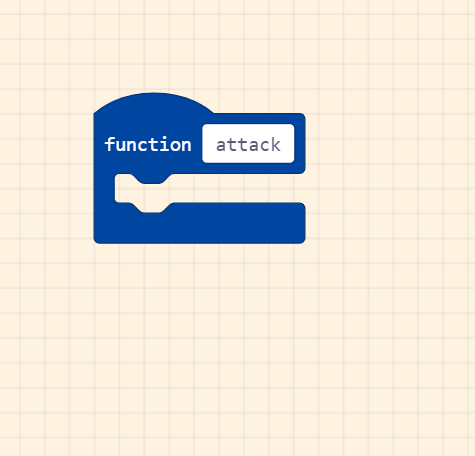
We are now going to create the player attack function.
Create a new function and call it ‘attack‘.
Attack settings
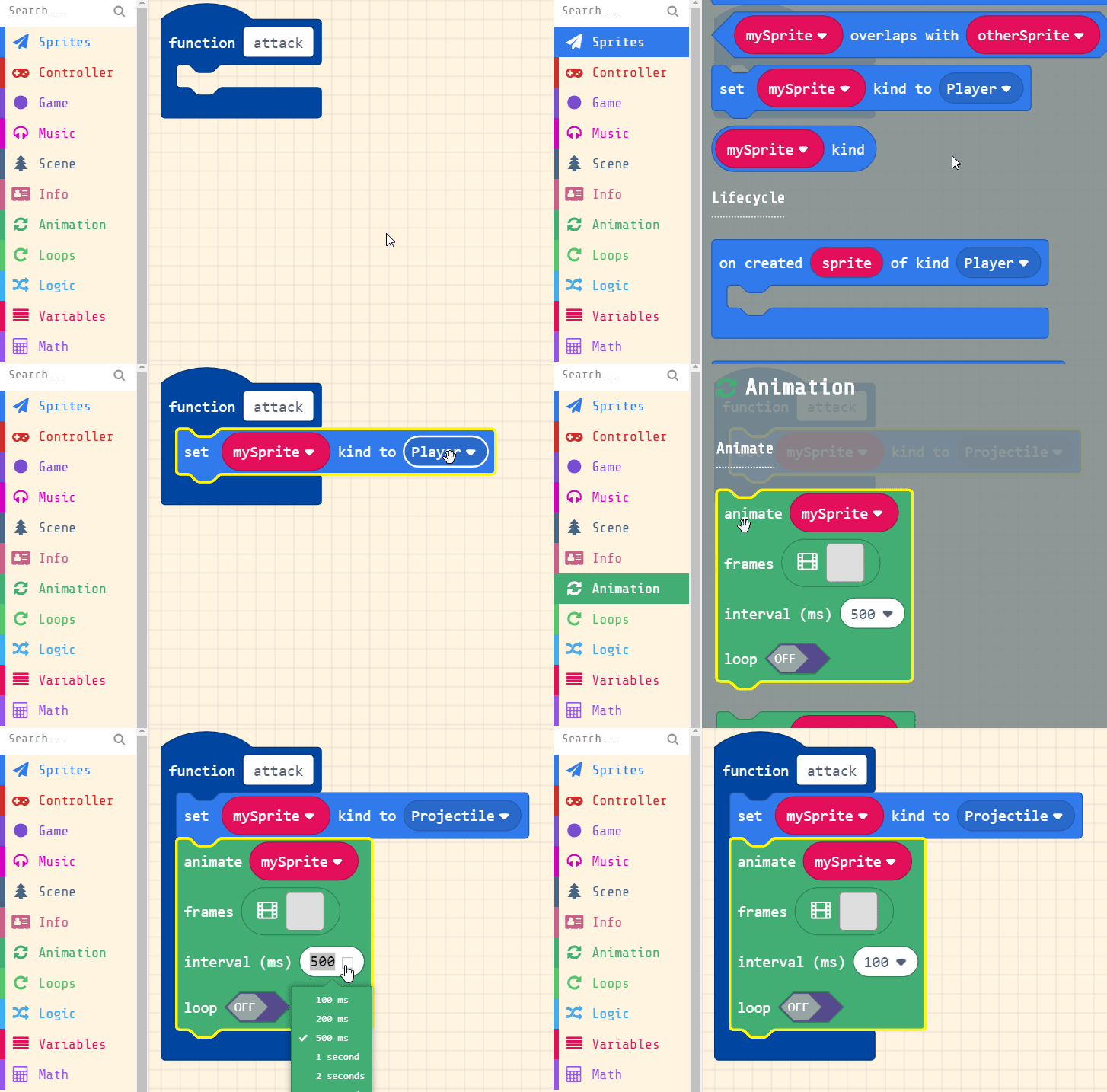
Next we will change the play type from ‘player’ to ‘Projectile’.
This will help us set the interactions with enemies during attacking and not attacking.
Set up a new animation for ‘mySprite‘ and set interval to 100 and turn OFF loop.
Animating the attack
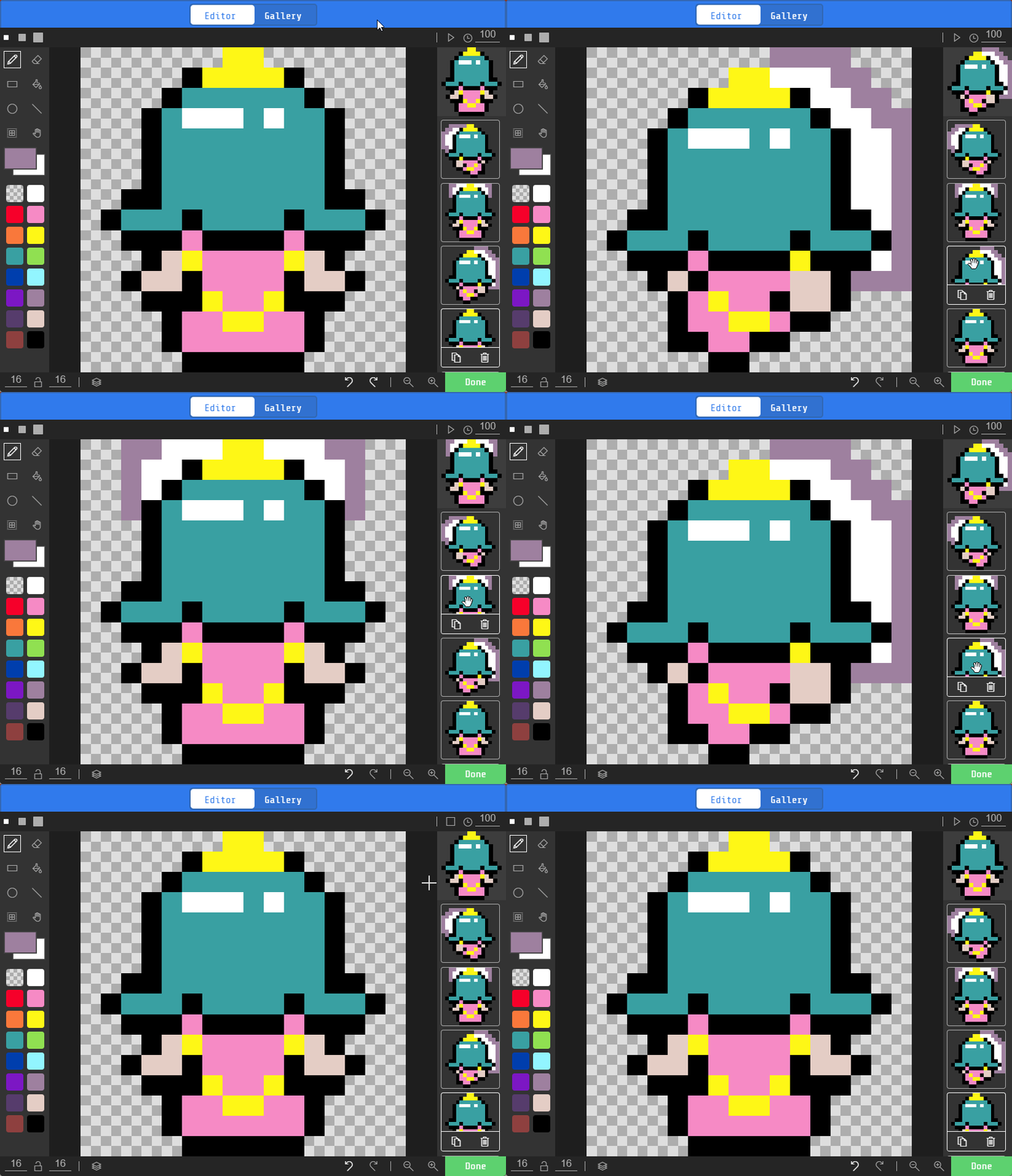
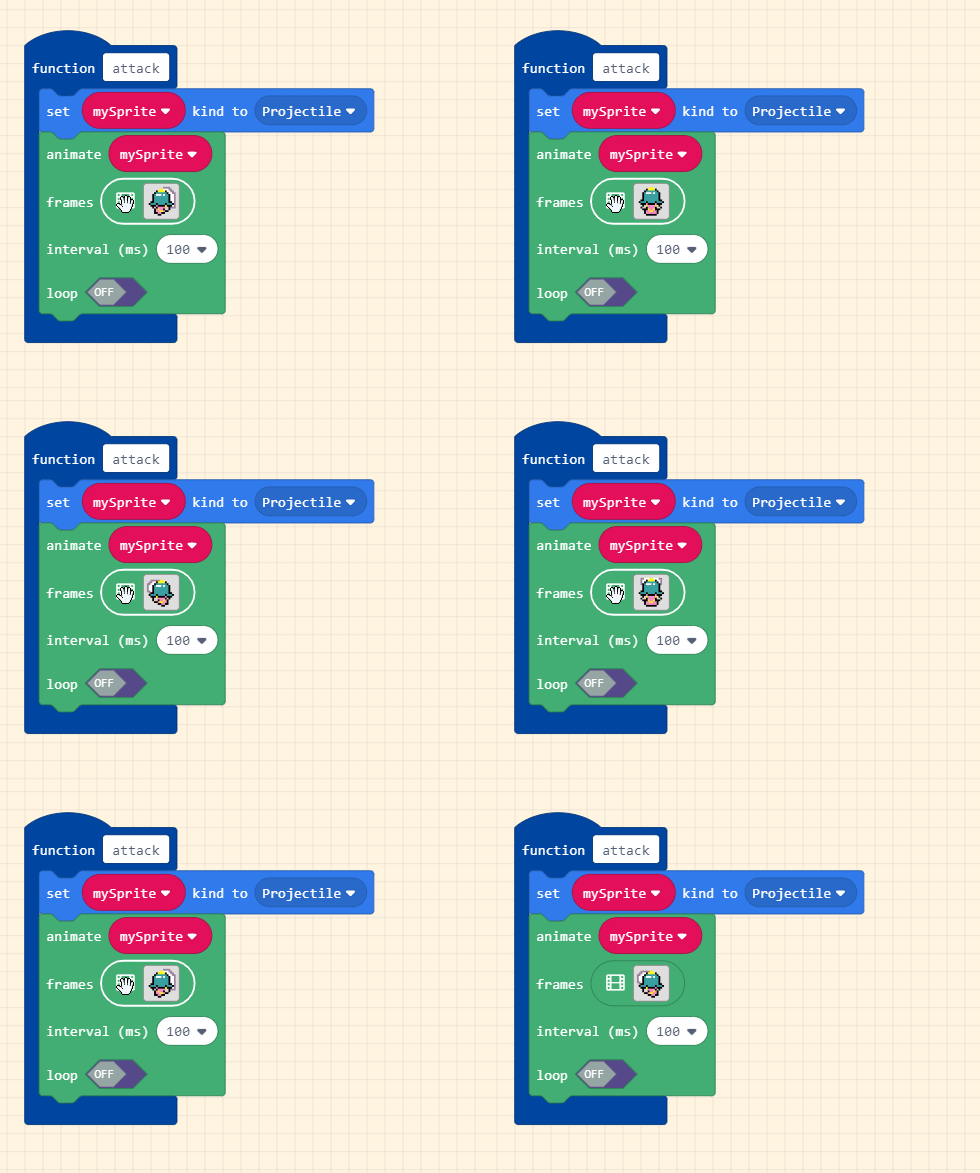
Next we will need to animate 4 frames for the sword swing attack!
For each frame select the 4 images with the back of the princess’ head.
Select white and draw the swinging sword similar to the ones of the right. Only frames 1 to 3 have a custom swing drawing.